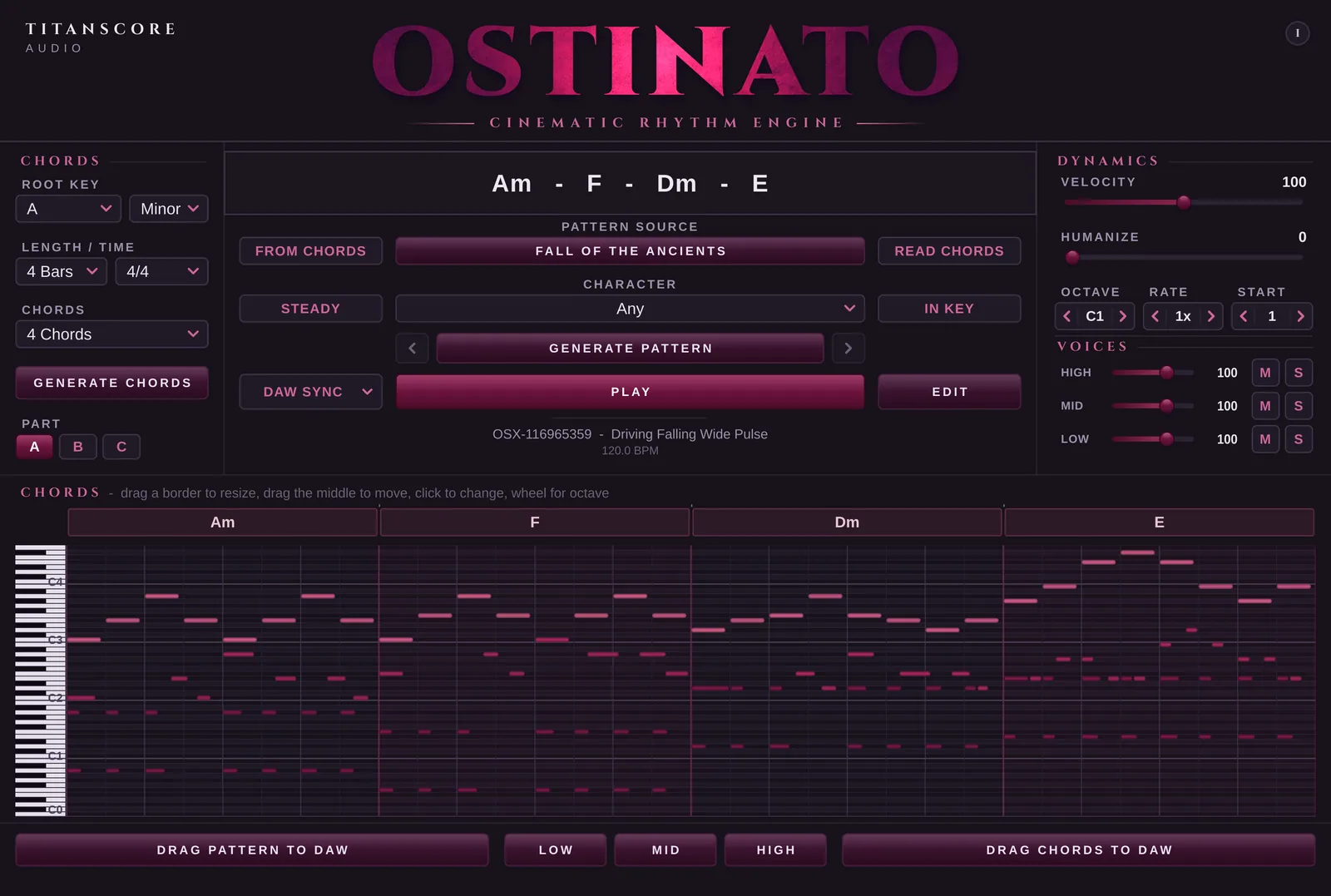
Ostinato
Cinematic Rhythm Engine
Cinematic ostinatos that lock to your progression: bass, pulse and line in three voices, ready to drag into your DAW.
$69$89Intro price until 6 December
Excl. VAT. Epochs included, free.

Writing every string line by hand gets old fast.
Ostinato writes them over your chords: bass, pulse and line in three voices. Change what you don’t like and drag it into your DAW.

Your chords are fine, but the piano part sounds programmed?
Piano plays them with a left hand, a right hand and the pedal, the way a player would.

For the days you keep landing on the same four chords.
A free chord generator with a built-in piano: write progressions by character, start from over a hundred presets, or read the chords from your own MIDI, then drag them into your DAW.

Load a vocal and play it from your keyboard, syllable by syllable.
A free vocal chop instrument: drop in a vocal, a piano part or any other sound, and Lumivox cuts it into chops you play on your keyboard, through filter, delay, reverb and more.
In the window
The notes light up as they play.
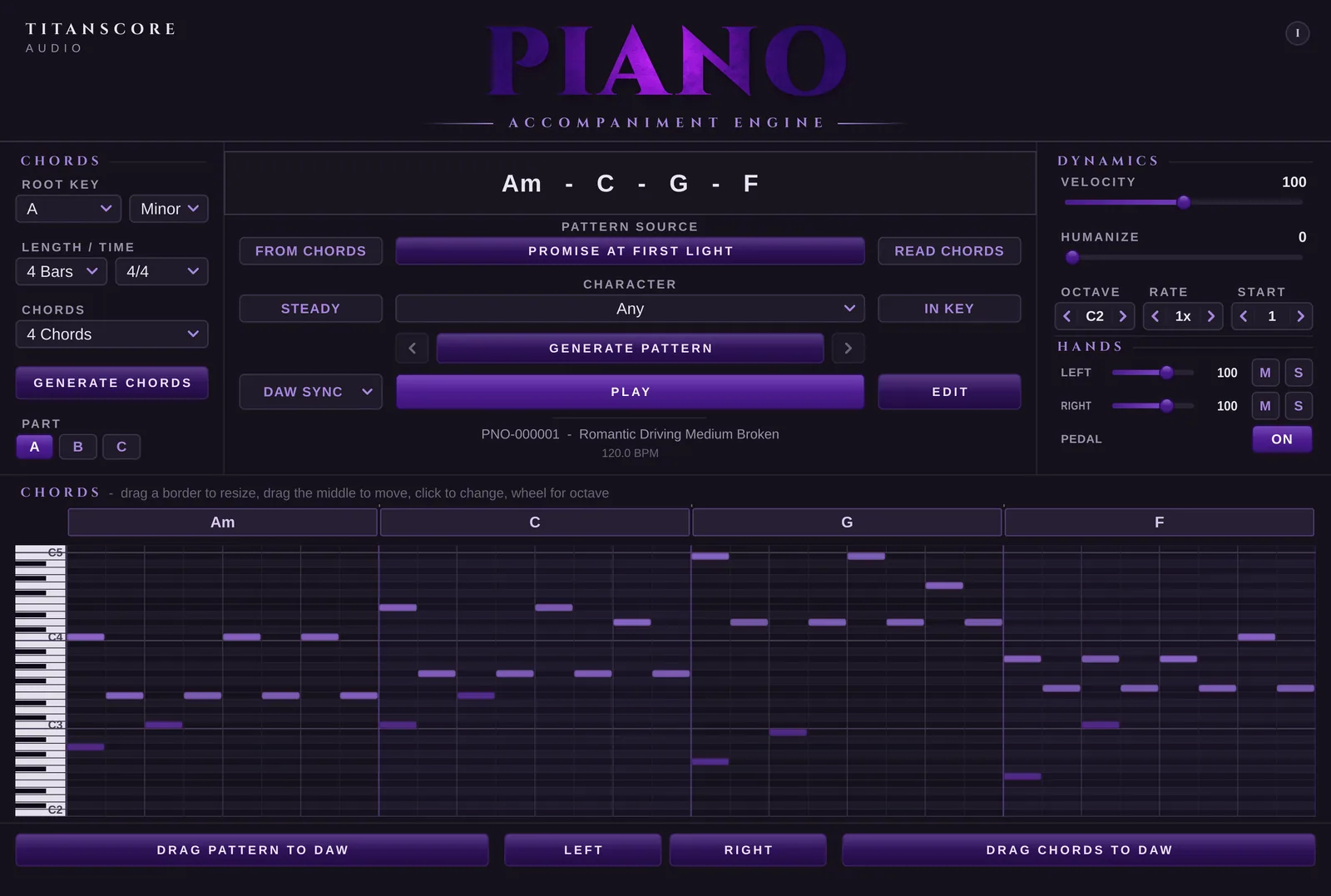
Ostinato and Piano look the same and work the same way; only the music inside is different. Chords is free and writes the progression to start from.
Cinematic Rhythm Engine
Cinematic ostinatos that lock to your progression: bass, pulse and line in three voices, ready to drag into your DAW.
Excl. VAT. Epochs included, free.
Accompaniment Engine
Real piano accompaniment for your chords: left hand, right hand and pedal, played the way a pianist would, not like a machine.
Excl. VAT. Epochs included, free.
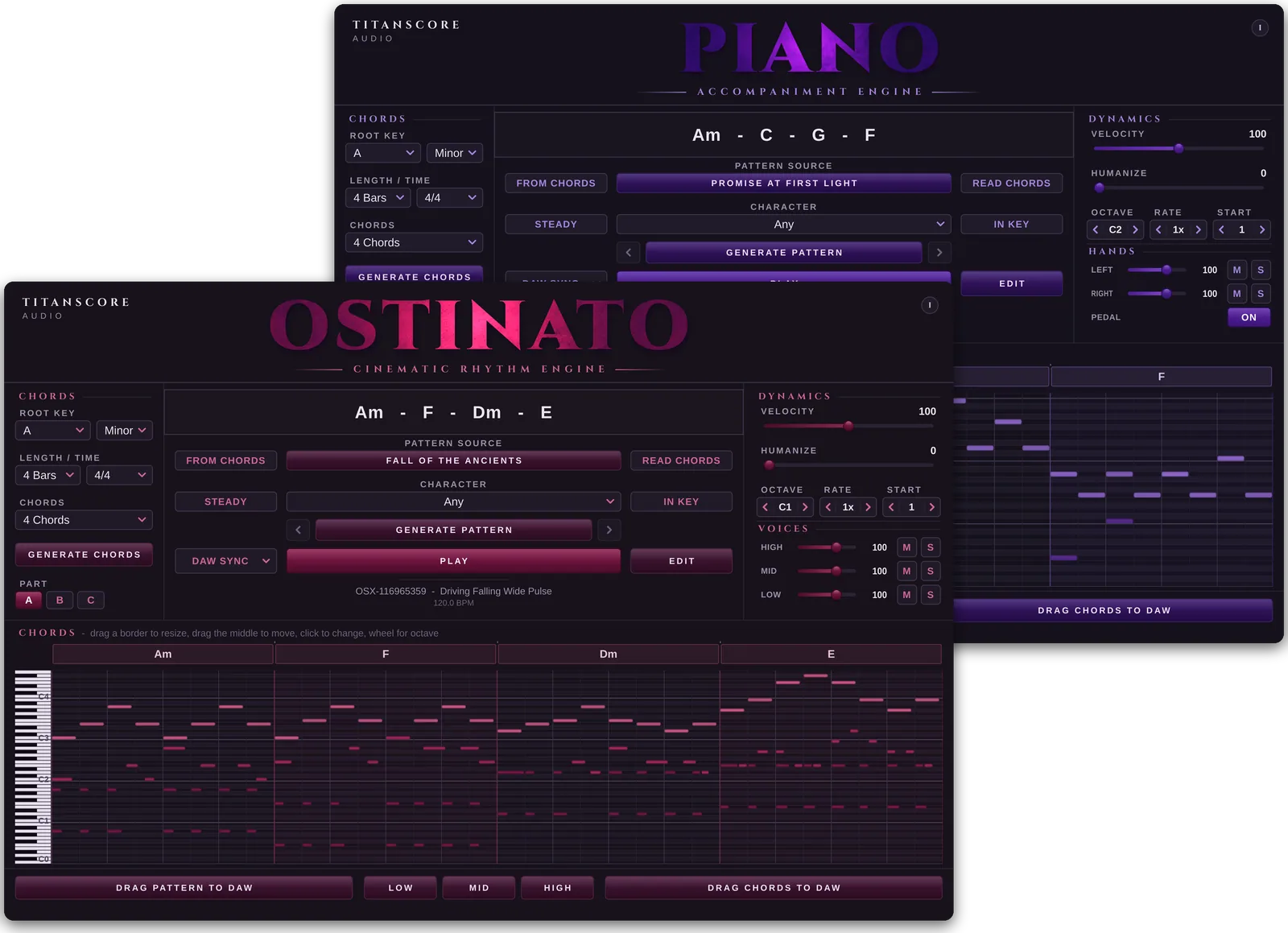
Ostinato + Piano
Ostinato and Piano together: driving cinematic patterns and real piano accompaniment from the same chords, with a licence key for each.
Excl. VAT. Separately $138. Epochs included, free.
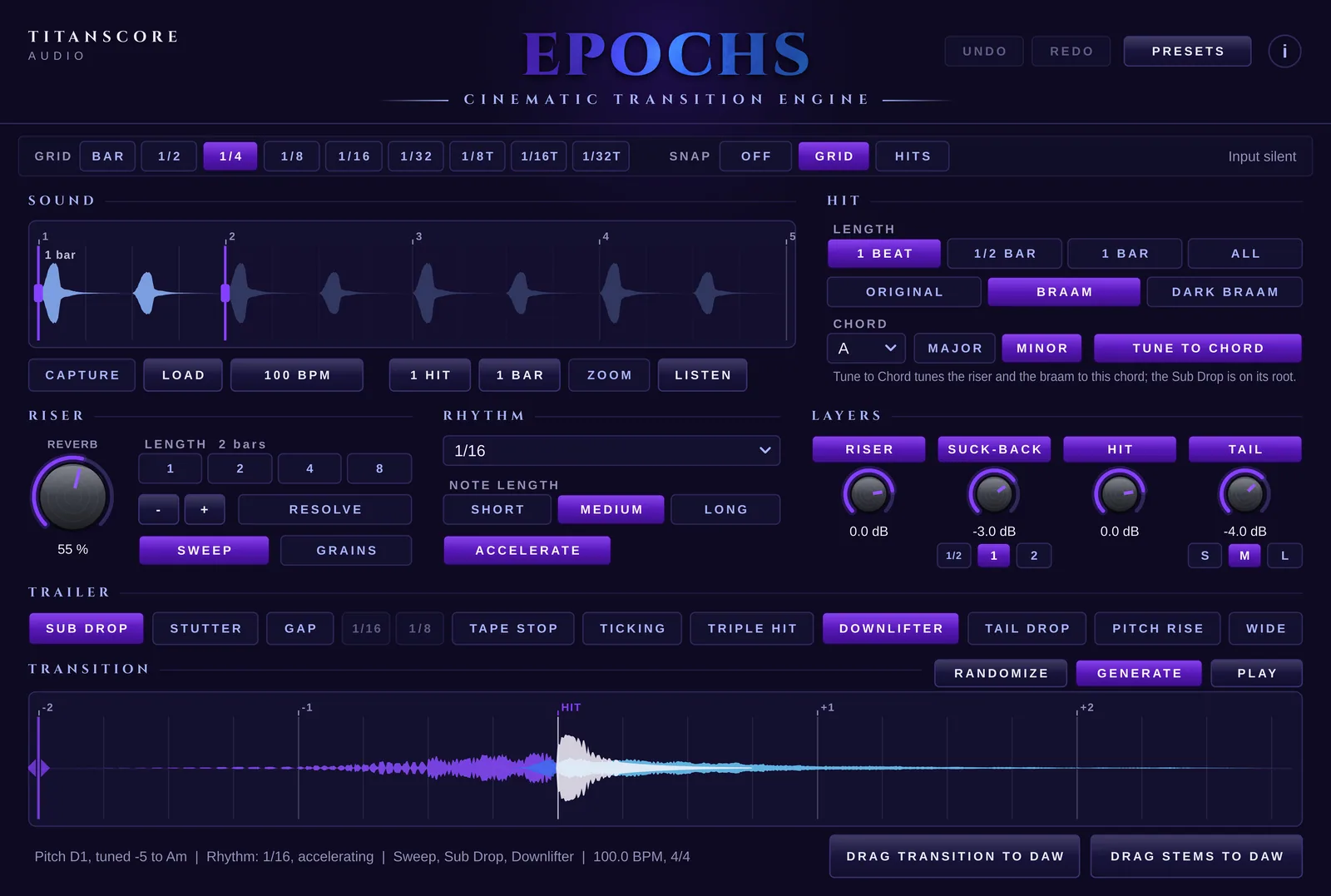
Cinematic Transition Engine
Turn a single sound into a cinematic transition: riser, suck-back, hit and tail, with the hit landing exactly on the bar line, ready to drag into your DAW.
Excl. VAT. Free with Ostinato or Piano, or try it free for 14 days.
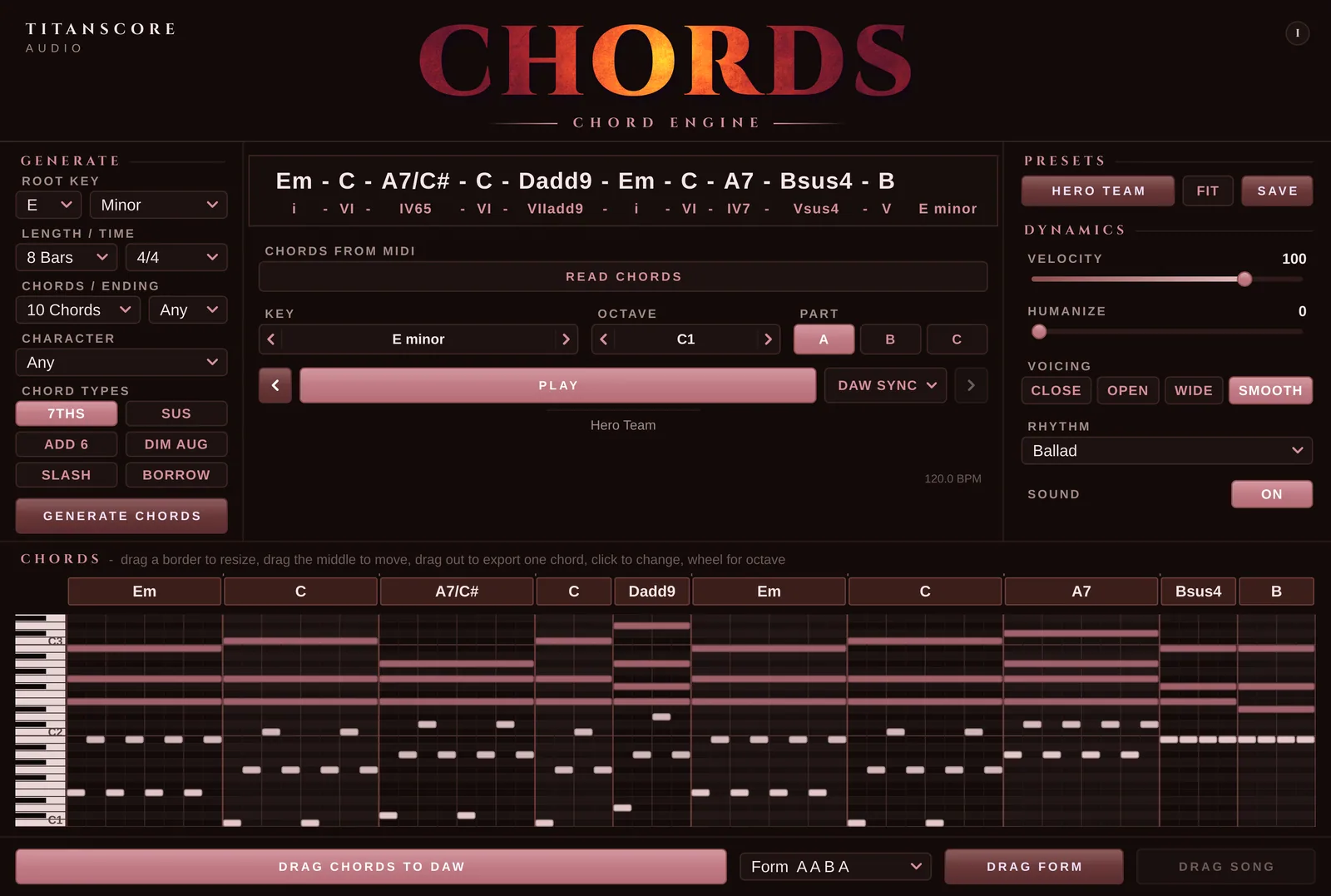
Chord Engine
A free chord generator with a built-in piano: write progressions by character, start from over a hundred presets, or read the chords from your own MIDI, then drag them into your DAW.
With a free Titanscore account.
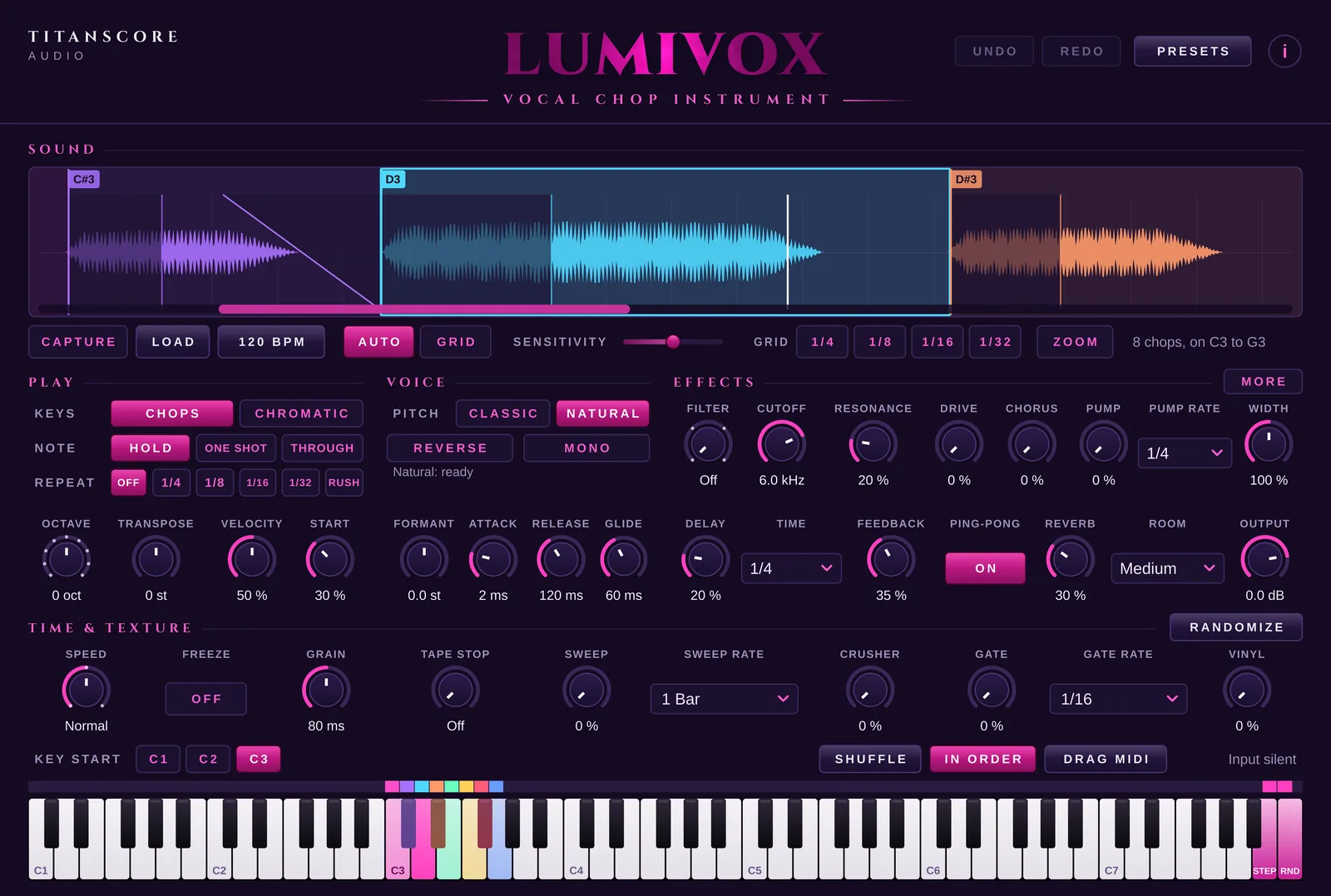
Vocal Chop Instrument
A free vocal chop instrument: drop in a vocal, a piano part or any other sound, and Lumivox cuts it into chops you play on your keyboard, through filter, delay, reverb and more.
With a free Titanscore account.
How it works
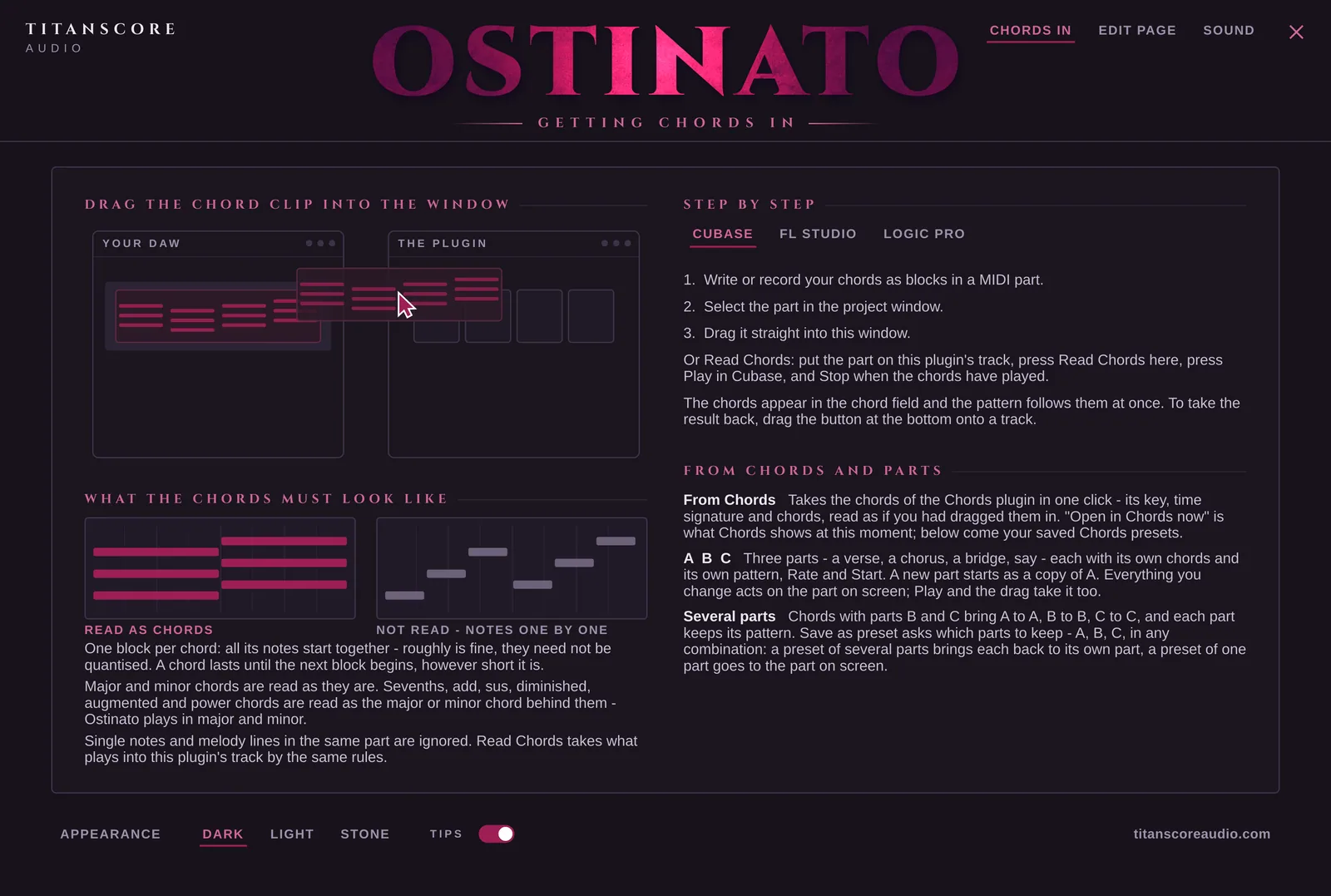
Drag a chord clip in, press Read Chords and play your song, or let the chord generator write a progression in any key.
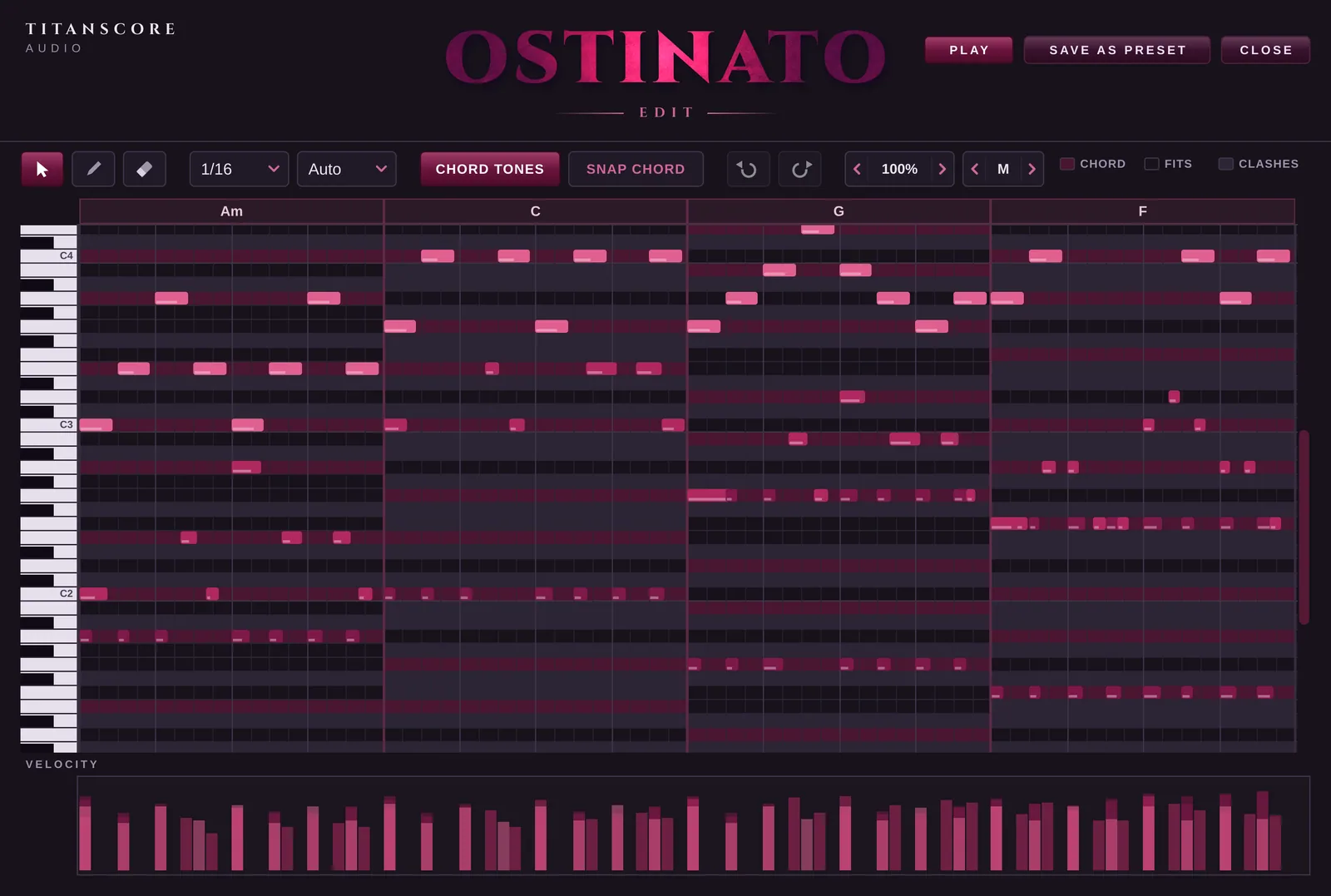
Pick a character, press Generate and hear something new. Change any note in the built-in piano-roll editor.
Drag the pattern onto a track. It is plain MIDI, played by any instrument you own.
News
New instruments, free updates and the occasional offer.
✓ Thank you, you are on the list.
Instruments, by name.